Welcome to XLConnect
XLconnect is a platform where you use Excel to create data, perform calculations and build workflows in a truly agile way, by letting json data flow between Excel workbooks.
Installation
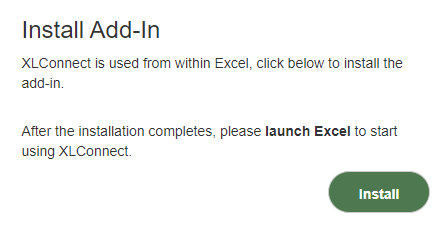
The Excel add-in can be installed from your acount, on the startpage there this section:
Note: XLConnect works only on Excel for Windows. To use it on a Mac, run the Windows version of Excel under Bootcamp or Parallels.
-
Click on
Installbutton to download the installer fileXlConnect.Add-InSetup(x.x.x).msi -
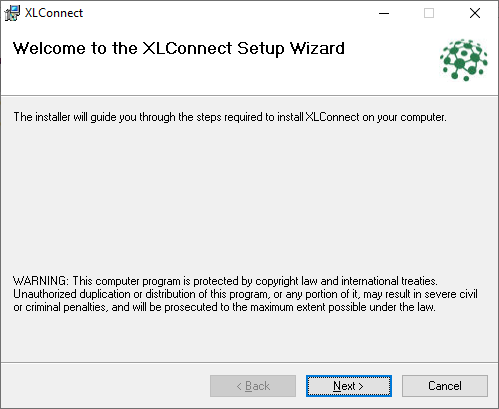
Double click the file to begin the installation, this should bring up the following screen:
-
Hit
Nextuntil the installation finishes to install with default settings (usually recommended)
When the installation is finished it will launch Excel with this workbook:
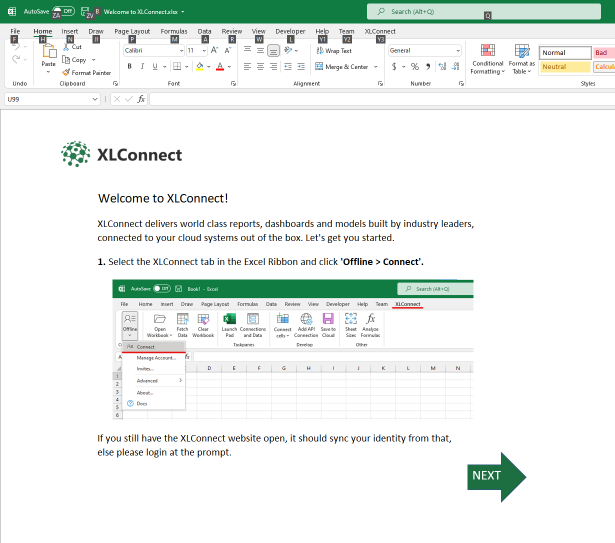
Follow the instructions in there to login and open your startpage.
You're all set!
Launching XLConnect
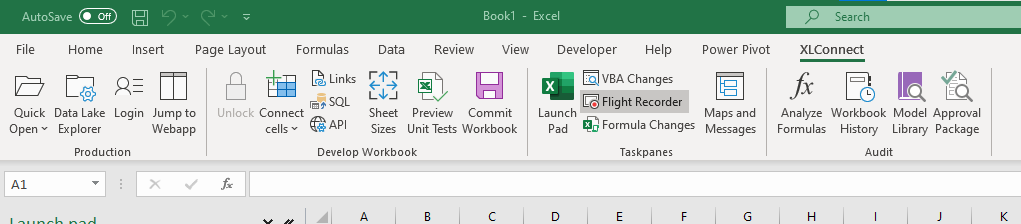
XLConnect integrates with Excel, launch Excel to start using it. There should be a new ribbon XLConnect.
Removing XLConnect
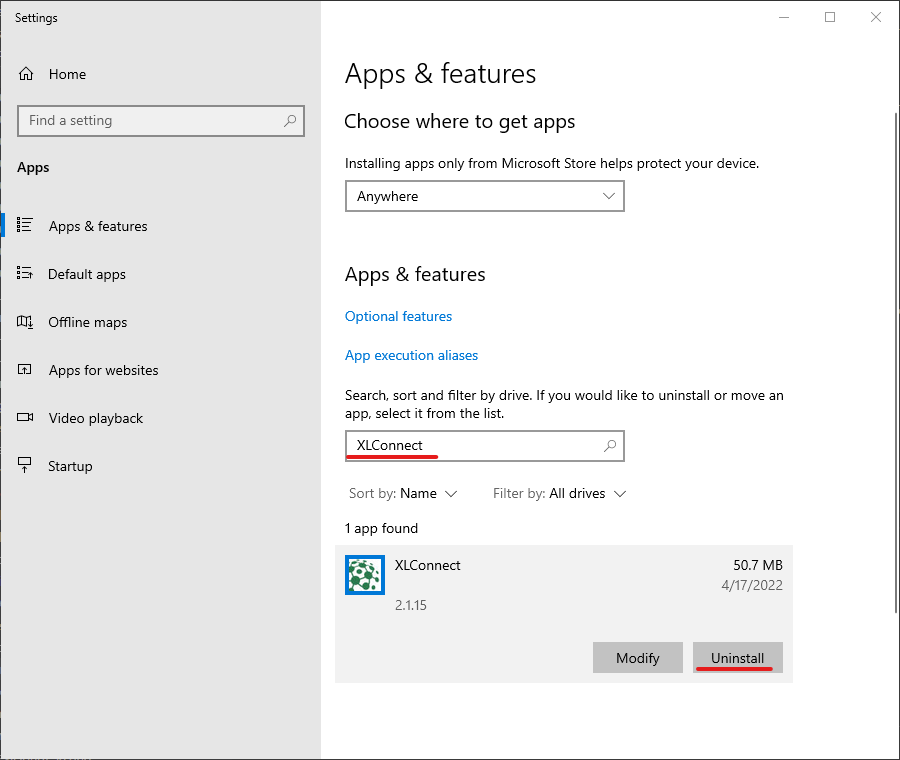
To remove XLConnect from your computer:
- go to the
Add or remove programssettings page - search for
XLConnect - Press
Uninstallto remove XLConnect from your computer.