Moving Items
Across databases
Moving items is as easy as drag & drop, if you have permission. Because you don;t have permission to move anything wihtin the Tutorials database, we will start by moving things across databases.
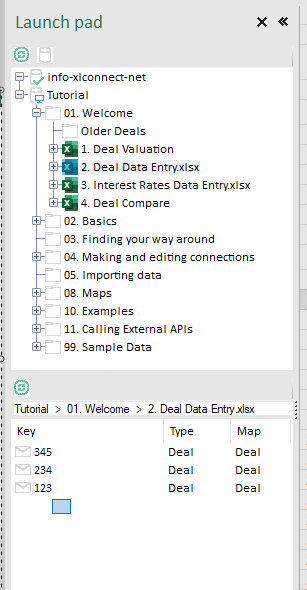
- Select the workbook
Tutorial > 01. Welcome > 2. Deal Data Entry.xlsx(you don't have to open it, ust selecting it will display the messages in that location) - Drag a rectangle across the three messages there to select all three
- start to the right and below the last message
- hold down the left mouse button and drag the blue rectangle to select all three messages
- release the left mouse button, the messages stay selected
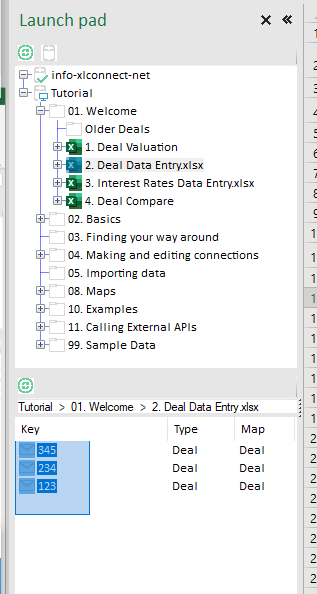
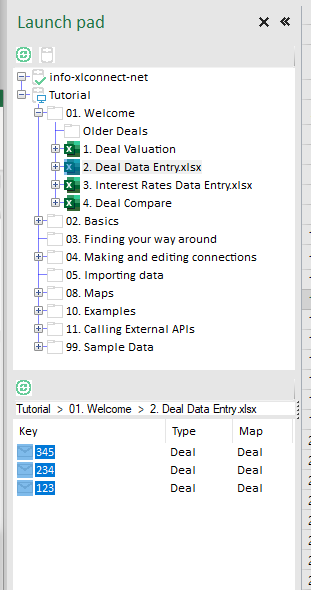
- hold down the left mouse button on any of the selected messages, and drag them towards you personal database (info@xlconnect in this case, yours will have your email address). The target location will light up purple and the mouse cursor indicates 'drop' (mouse not shown in the screenshots)
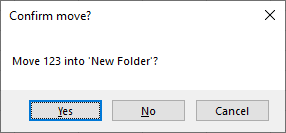
- release the left mouse button to drop them, you should get this question:
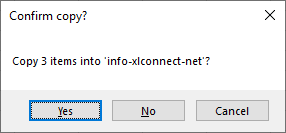
- Click
yesto copy the messages to your personal folder.
Within a database
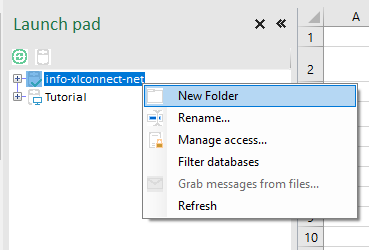
- Create a new folder in your personal database, optionally give it another name than default and hit Enter:

- Select the top folder again
- Drag message
123toNew Folder - Say yes when you see this dialog: